
About The Author
A useful report gives police the original clip, a clear time and location, and enough context to assess what happened. The correct reporting route depends on the force and incident.
A dash cam can record a worrying moment. The next step is not always obvious: should you call the police, send a clip to an insurer, or upload it somewhere? The right route depends on what happened, where it happened and whether anyone is in immediate danger.
This practical checklist is based on current police submission guidance and is general information, not legal advice.
1. Deal with immediate danger first
If a collision is happening now, someone is injured, or there is an immediate threat to life, call 999. A dash cam reporting portal is for evidence submission; it is not an emergency service. For non-emergency incidents, follow the relevant police force’s current contact guidance.
2. Find the correct force or portal
Police submission arrangements differ by area. Some forces run a local Operation Snap or dash cam portal; others direct people to a shared service or a different online form. Check the force responsible for the location where the incident happened and read its eligibility rules before uploading. For example, Northumbria Police says its form accepts footage from incidents in Tyne and Wear or Northumberland and warns it is not for reporting a road traffic collision.
Do not assume a portal accepts reports from every UK force area. If you are unsure, contact the force through its official website.
3. Preserve the original recording
- Save the full original file to a second device or secure location as soon as practical.
- Do not trim, add captions, blur faces or re-encode the original evidence file. If a portal needs a short clip, keep an untouched copy too.
- Write down the date, approximate time, road or location, direction of travel and anything you personally observed.
- Keep any camera export details that help explain the timestamp or GPS data. Tell the force if the camera clock may be inaccurate.
- Do not keep driving or handle a camera or phone to retrieve footage while the vehicle is moving.
4. Give the clip useful context
Follow the portal’s questions and upload instructions. Describe what you saw in neutral, factual language: what happened, where and when. Avoid guessing at a driver’s motive, identity or legal responsibility. If you are asked to provide a witness statement or contact details, make sure you understand the force’s process before submitting.
Footage may be reviewed by police, but submission does not guarantee that a prosecution or other action will follow. The force decides what it can investigate and whether the evidence meets its requirements.
5. If you want to share your clip with Dodgy Drivers
If a police report, insurance matter or other immediate issue is still being dealt with, it can be sensible to wait before asking us to publish. That gives you time to provide accurate context and avoid putting identifying details online while facts are still being checked.
We can blur identifying details such as faces or number plates before publication if you ask. When you send a clip, tell us exactly what you want blurred in the “Information About Your Clip” field on our verified video submission form. A request lets our editors know what you need; it does not change any separate police or insurance reporting duties.
\n
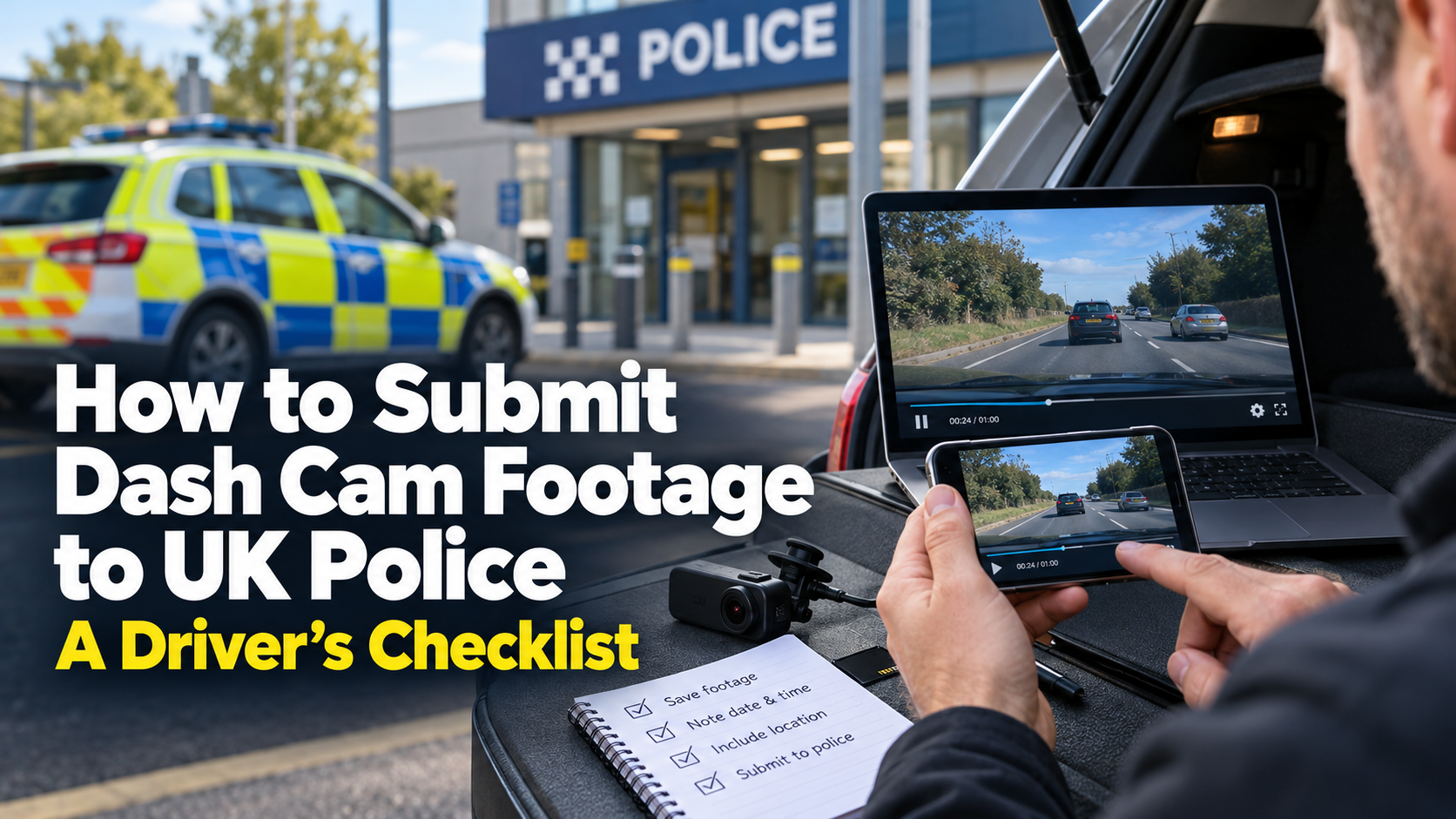
Quick checklist
- Emergency? Call 999.
- Correct force and incident area confirmed?
- Original file backed up and left unedited?
- Date, time, location and direction noted?
- Portal rules and upload limit checked?
- Neutral description written without assumptions?
- Clip kept off public social media while you follow the official process?
Drivers who want to share an incident with Dodgy Drivers can use our video submission page. That is separate from reporting evidence to the police; use the police route for possible offences or emergencies.
Sources checked 25 October 2026
- Northumbria Police: submit dash cam footage (area limits and collision warning).
- Humberside Police Operation Snap.
- Greater Manchester Police Operation Snap (do not upload emergencies to the portal).
- GOV.UK: when to call 999.
- Information Commissioner’s Office: domestic CCTV guidance.
Police procedures change and vary by force. Check the current official instructions for the location before submitting footage.