
About The Author
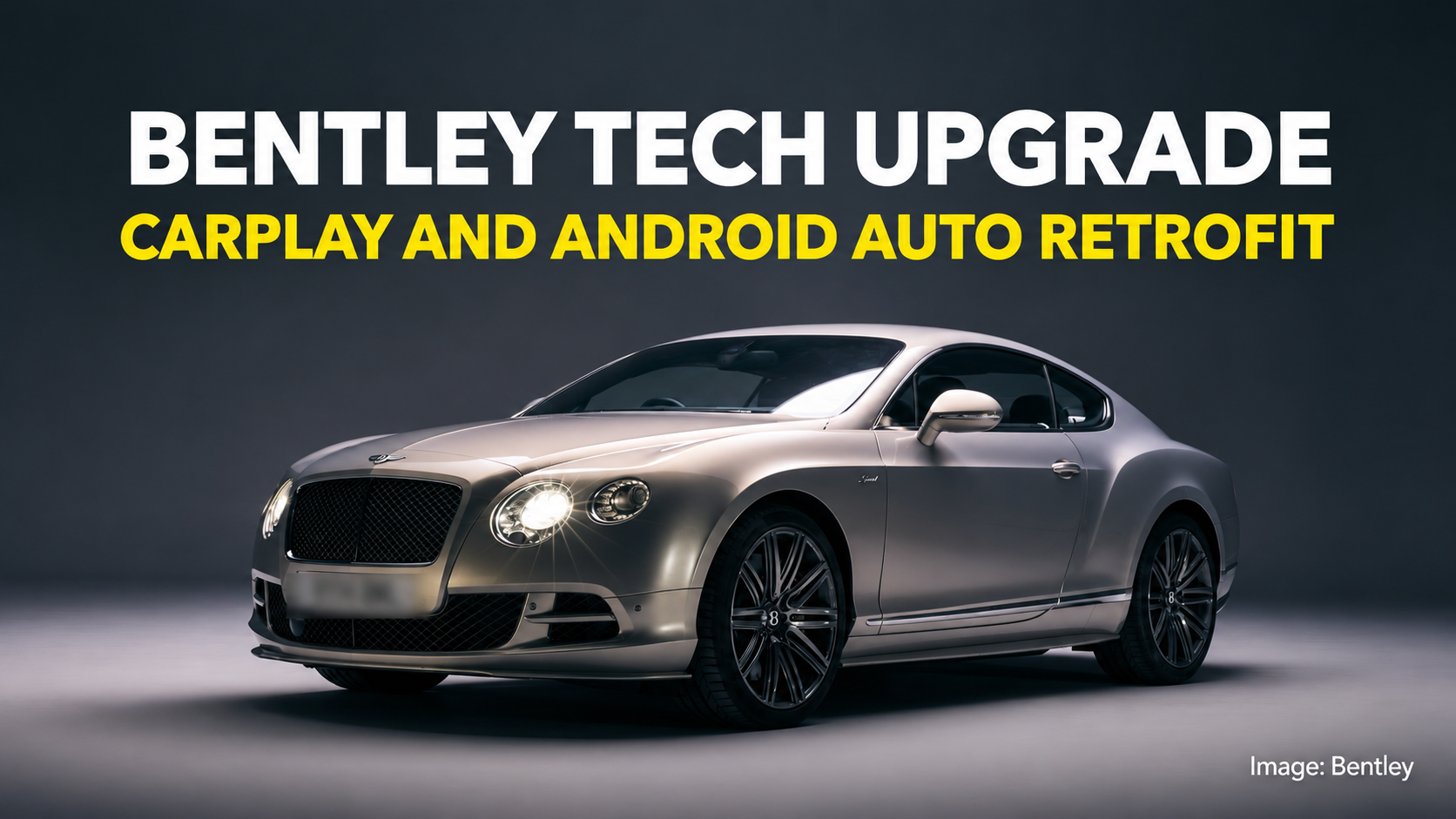
A twelve-year-old Bentley still wafts like a private jet, even if its factory sat-nav belongs in a museum. Crewe’s official Apple CarPlay and Android Auto retrofit aims to fix the cabin’s weakest link—without ruining the woodwork.
There is a well-known law of luxury car ownership: hide, walnut and twelve-cylinder engines age at a glacial pace, whereas in-car electronics age like an open pint of milk in July.
Slide into a well-cared-for second-generation Bentley Continental GT or Flying Spur today and the fundamentals remain deeply special. The doors still shut with the damped authority of a bank vault. The organ-stop vent pulls still feel as though they were machined from solid billet for the Royal Mint, and the twin-turbocharged V8 or W12 up front will still rearrange the horizon with effortless disdain.
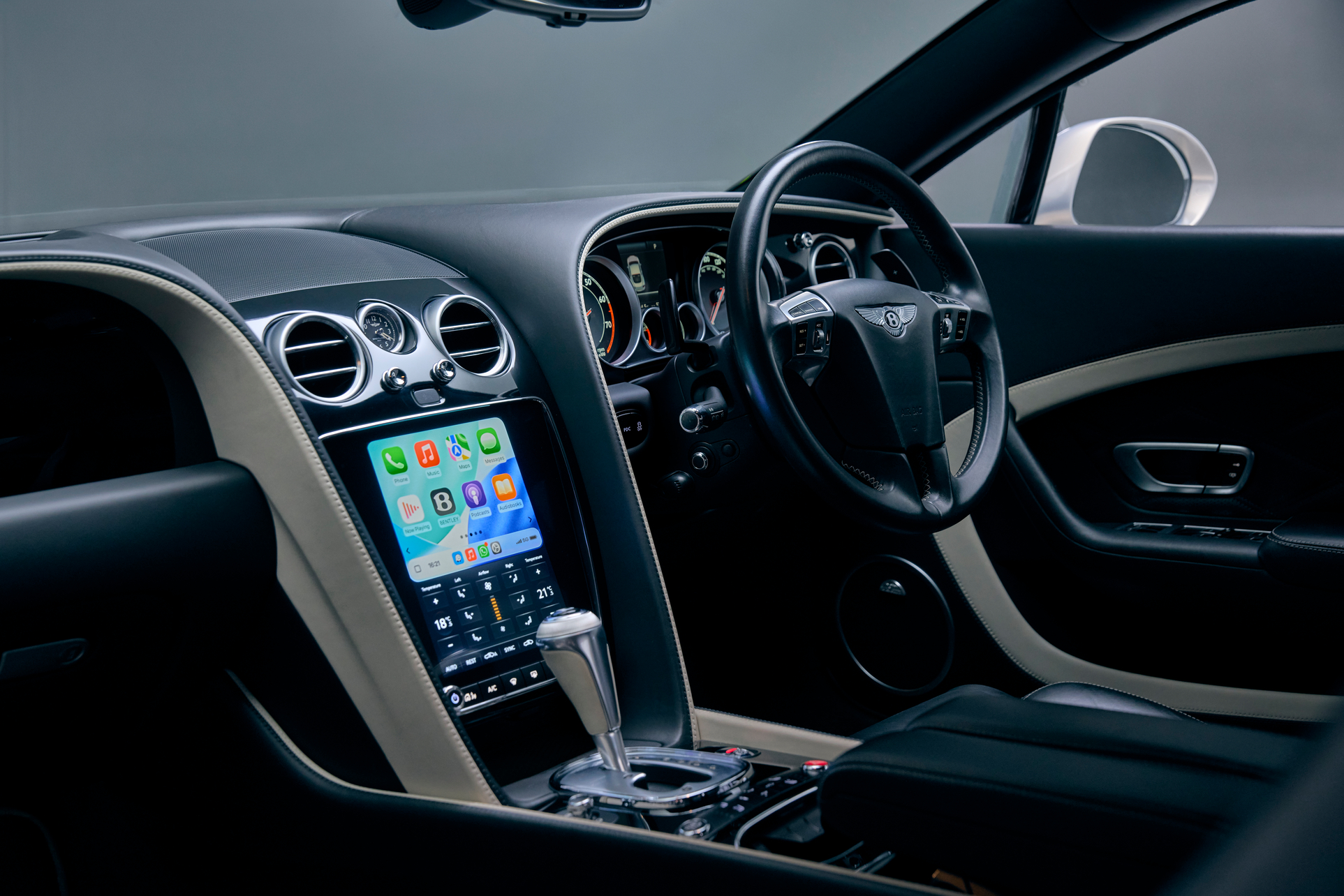
Then you switch the ignition on, the central screen flickers to life, and you are abruptly transported back to the era of the iPhone 5.
For years, owners of 2010s Bentleys faced an awkward choice: live with an ageing factory interface and a windscreen suction-cup mount trailing wires across acres of hand-stitched leather, or brave the aftermarket with a third-party “black box” conversion of questionable provenance. Now, Crewe has stepped in with its own factory-backed answer: an official infotainment upgrade for eligible second-generation Continental GT, Continental GT Convertible (GTC) and Flying Spur models.
Which Cars Qualify?
According to Bentley’s published guidance, the retrofit covers two core groups:
• Continental GT and Continental GT Convertible (GTC): Models built from 2012 to 2017
• Flying Spur: Models built from 2014 to 2019
Treat those dates as an invitation to enquire rather than an ironclad guarantee. Bentleys of this era were built to wildly varied individual specifications, with different regional tuners, audio architectures and rear-seat entertainment packages. Before getting attached to the idea, you will need an authorised Bentley retailer to run your car’s Vehicle Identification Number (VIN) and confirm that its exact factory build sheet supports the conversion.
What Actually Changes in the Cabin
This is not a hidden software patch squeezed into the old display. Bentley’s upgrade replaces the original landscape screen and the bank of climate switchgear directly beneath it with a flush-fitting, portrait-oriented 9.7-inch high-resolution touchscreen.
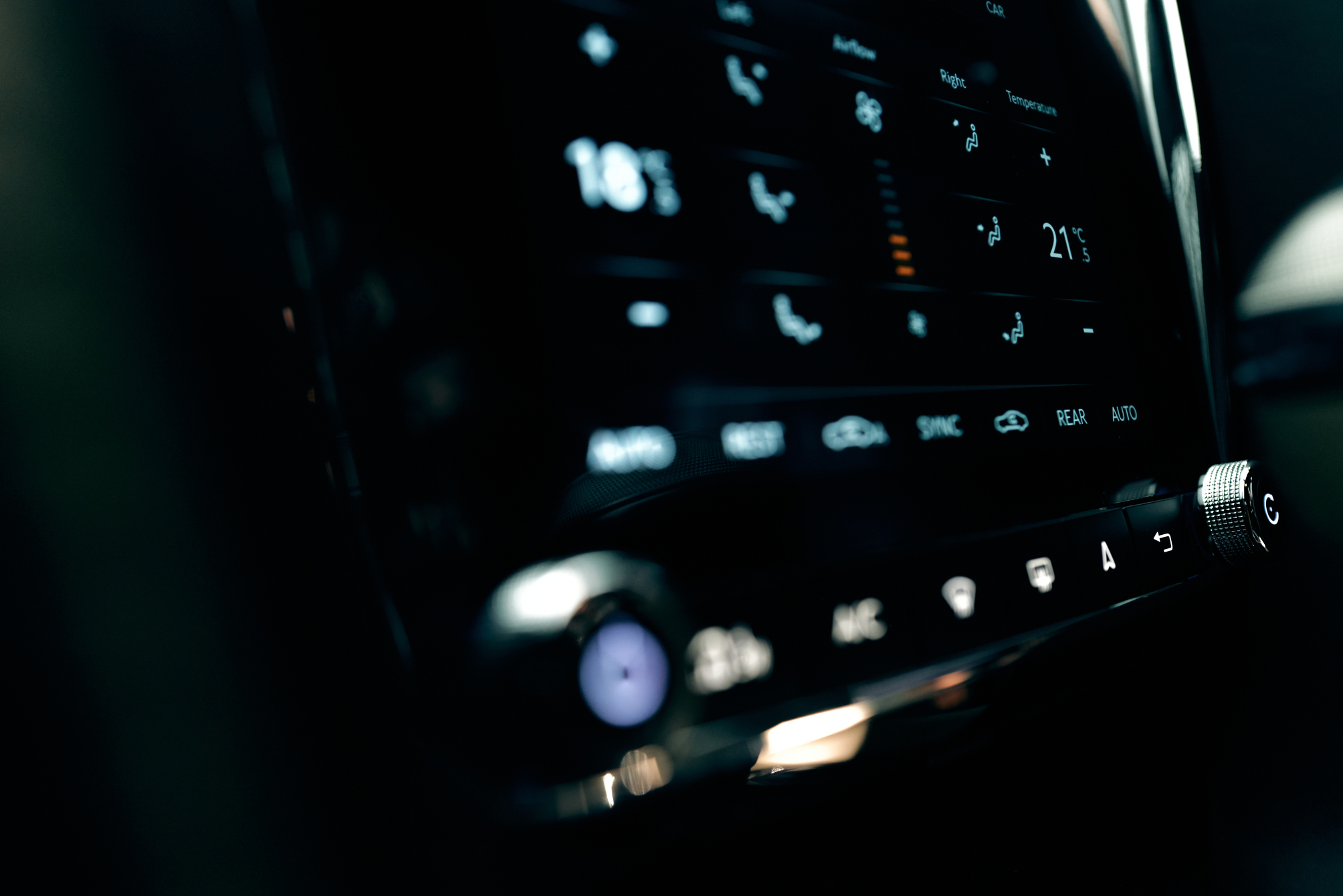
Crucially, it brings both wired and wireless Apple CarPlay and Android Auto into the dashboard. Instead of burying the car’s native heating and comfort menus three layers deep inside a sub-menu, the lower half of the 9.7-inch display is dedicated to climate and seat controls, while a neat physical bar at the bottom bezel retains tactile buttons and twin knurled rotary dials for instant adjustments on the move.

Bentley infotainment controls. Image: Bentley
As ever with smartphone mirroring, the exact features available on screen will depend on your handset, operating system and local market—and having Waze or Spotify integrated neatly into the centre console does not change the rules of the road. Programme your route while parked, and resist the urge to prod playlists on the move; British traffic officers are famously unmoved by the excuse that you were admiring your new touchscreen.
The Smart Buyer’s Checklist: What to Ask Your Dealer First
Because Bentley’s public material is a product overview rather than a universal menu tariff, walking into a main dealer unprepared is rarely wise. Before signing a workshop job card, get clear answers to five practical questions:
1. What is the full, VIN-specific fitted price? Ask for a written quotation that includes the hardware kit, workshop labour, VAT, and any prerequisite software updates—along with a realistic estimate of how long the car will be on the ramp.
2. What happens to the car’s existing factory functions? Confirm in writing how the new unit interacts with your car’s factory reversing camera, parking sensors, upgraded Naim or Bang & Olufsen audio system, and existing vehicle-settings menus.
3. What are the warranty terms and software support arrangements? Clarify both the parts-and-labour warranty on the new unit and whether installing it has any bearing on an existing extended warranty.
4. Is the installation fully reversible? Unlike replacing a worn suspension bush, changing the centre console alters the visual signature of the cabin. If you—or a future collector—value period-correct originality, ask whether the removed factory screen and HVAC panel will be boxed up and handed back to you so the car can be returned to standard specification down the line.
5. Are you doing this for yourself, or for resale? An official manufacturer upgrade is inevitably easier to explain to a future buyer than an unbranded aftermarket screen, but never assume you will recoup the invoice cost pound-for-pound when you sell. Some buyers will pay a premium for plug-and-play CarPlay; strict purists would rather see every factory button untouched.
The Verdict
There is something faintly absurd about trading in a grand tourer of genuine mechanical integrity simply because its satellite navigation feels a decade out of date. If you intend to keep a second-generation Continental or Flying Spur and actually use it for the cross-continental road trips it was built to devour, bringing modern navigation and audio into the cabin makes a great deal of sense. Just check your VIN, read the itemised quote closely—and ask the technician to save your old buttons in a box.


Leave a Reply
You must be logged in to post a comment.